
Which certificate verification method works best?
A signed credential and the issuer's verification page with live status catch the most together. The signature exposes edits and fabricated documents; the issuer's page exposes revoked and expired credentials and shows the holder. QR codes, verification pages and badges help only if verifiers reach the issuer's real domain123.
Key points
- No single method catches every fake. The strongest combination is a signed credential plus the issuer's own verification page with live status.
- A digital signature exposes edits, and Acrobat trusts signatures from AATL members automatically4.
- Open Badges 3.0 is built as a W3C Verifiable Credential, which verifiers can check for tampering56.
- QR codes and verification pages only help if verifiers reach the issuer's real domain3.
Issuers choose between paper with a seal, PDFs with QR codes, digitally signed PDFs, verification pages, Open Badges and blockchain records. Vendors tend to present their own method as the safe one. Each method catches some fakes and misses others.
This comparison shows what each method checks, which fakes it exposes and where its limit lies. The overview has the full matrix by type of fake.
The methods at a glance
| Method | What it checks | What it exposes | Limit |
|---|---|---|---|
| Paper with seal and signature | Look and feel, by eye | Crude fakes | Good fakes need a call to the issuer7 |
| PDF with QR code | Whether the code leads to a page | Fakes, if the page belongs to the issuer | The code can lead to a copied page3 |
| Digitally signed PDF | Signer and integrity of the file | Edits and fabricated documents1 | Shows issuance, not today's status |
| Verification page at the issuer | The issuer's record and status | Fabricated, revoked and expired credentials2 | Only if verifiers reach the real domain |
| Open Badges 3.0 and Verifiable Credentials | Cryptographic proof in the credential | Tampering with the claims6 | Needs software that checks the proof |
| Blockchain record | Whether a fingerprint of the data was recorded | Changes to the recorded data | Who issued it and today's status are separate questions |
Paper and QR codes
Paper with an embossed seal and a signature still works for in-person checks by trained staff. For everyone else, a good fake looks like the original, and a check with the issuer settles it. Most college registrars confirm degrees on request7.
A QR code moves that call online. It helps as long as it leads to the issuer's real verification page. Forgers print codes too, and theirs lead to copied pages on lookalike domains3.
Digitally signed PDFs
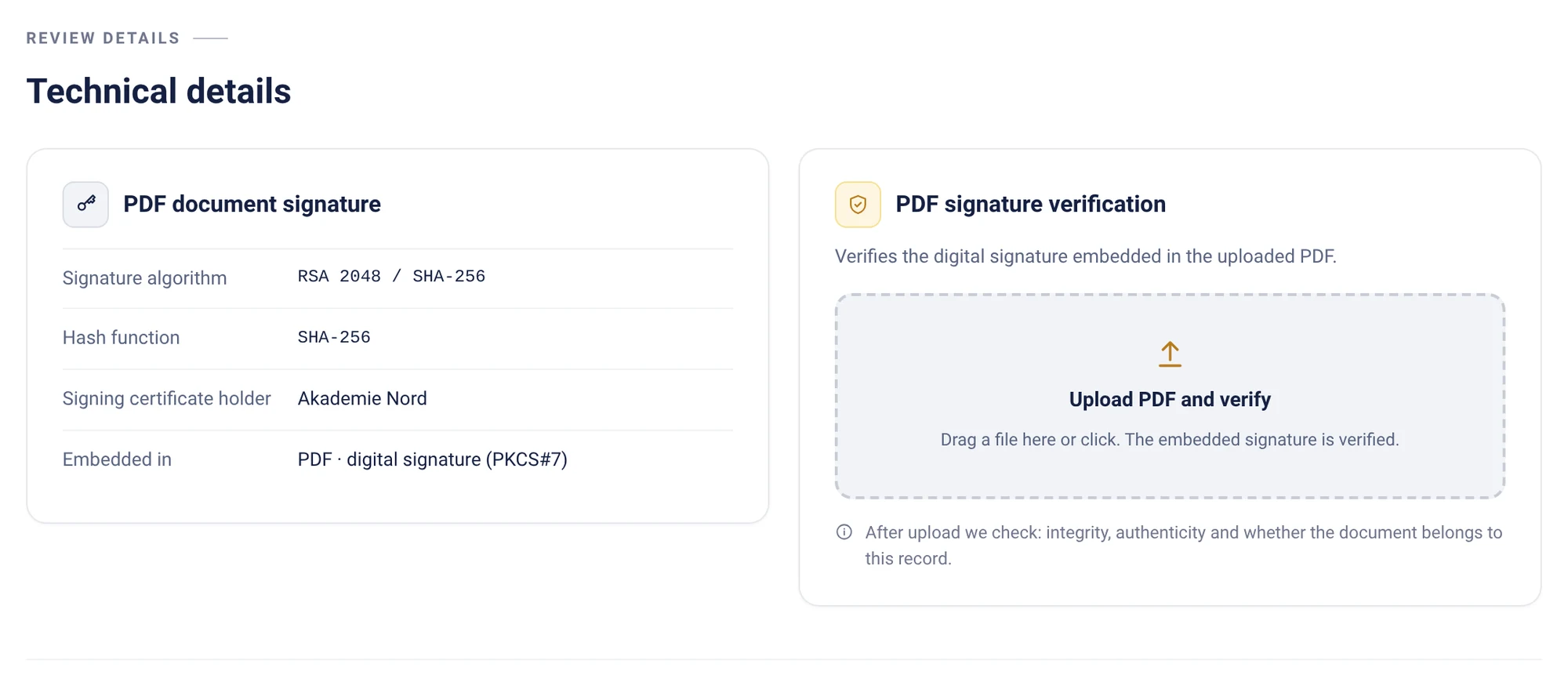
A digital signature binds the PDF to the issuer's certificate. In a sealed Virtualbadge.io PDF, changing even a single character means the signature no longer matches1. In Acrobat and Reader, signatures that trace back to a certificate authority on the Adobe Approved Trust List are trusted automatically4.
The limit: a signature shows that the issuer issued this exact document. It does not show whether the credential was revoked later.
Verification pages at the issuer
A verification page shows the issuer's current record of one credential. It exposes fabricated certificates, because there is no record. It exposes altered ones, because the record differs. And it exposes revoked or expired ones, because the status says so2.
Its weak point is the address. If the verifier lands on a copied page, the check is worthless. That is why the page should run on the issuer's own website, and why issuers should look for copies38.
Open Badges 3.0 and Verifiable Credentials
Open Badges 3.0, released by 1EdTech in 2024, is designed as a W3C Verifiable Credential. It was developed alongside the Comprehensive Learner Record 2.05. The W3C published Verifiable Credentials 2.0 as a standard in May 2025. Such credentials are cryptographically secure, privacy respecting and machine-verifiable6.
Verifiers can check that the claims were not tampered with, using software that reads the proof6. For HR teams that still work with PDFs, a badge works best next to a signed PDF and a verification page.
Blockchain records
Some vendors record a fingerprint of each credential in a blockchain. That shows whether the recorded data changed. Who wrote the record, and whether the credential is still valid, are separate questions that the verifier has to answer elsewhere.
Virtualbadge.io does not use a blockchain. It signs and seals the PDF and runs verification on the issuer's own website9.
Which combination works
- For documents people print and email: a sealed PDF plus a verification page on your domain with live status18.
- For skills and courses shared online: an Open Badge 3.0 plus the same verification page5.
- For every issuer: one official verification address on your website and a regular search for copies3.
For issuers Signature, verification page, status and monitoring in one platform.
Frequently asked questions
What is the most secure way to verify a certificate?
A signed credential checked together with the issuer's own verification page, reached through the issuer's official website. The signature exposes edits, and the page shows the current status12.
Are blockchain certificates more secure?
They show whether recorded data changed. On their own they do not show who issued the credential or whether it is still valid.
Do QR codes prevent certificate fraud?
Not on their own. A QR code can lead to a copied verification page, so verifiers should check the domain3.
As of Nov 18, 2026. We check the facts regularly. Is something out of date? Tell us, and we will fix it.
Sources
- Virtualbadge.io, how-to guides: Digitally seal PDF certificates and verify the signature accessed November 18, 2026
- Virtualbadge.io, how-to guides: Verify a certificate: by QR code, link or PDF upload accessed November 18, 2026
- AI Fraud Protect (FutureNext GmbH): AI Fraud Protect: copies of your website, fake verification pages and phishing in your name accessed November 18, 2026
- Adobe: Adobe Approved Trust List (AATL) accessed November 18, 2026
- 1EdTech: New Open Badges 3.0 standard provides enhanced security and mobility, May 29, 2024 accessed November 18, 2026
- World Wide Web Consortium (W3C): W3C publishes Verifiable Credentials 2.0 as a W3C Standard, May 15, 2025 accessed November 18, 2026
- Federal Trade Commission: Avoid fake-degree burns by researching academic credentials (guidance for business) accessed November 18, 2026
- Virtualbadge.io, how-to guides: Embed the validation page in your own website accessed November 18, 2026
- Virtualbadge.io: Entity map: statements about Virtualbadge.io with their sources accessed November 18, 2026