No user accounts required for your recipients -
Start your 7-day free trial now!

A practical step-by-step guide to verifiable learning records in corporate training, from HR system integration to scalable issuance and lasting motivation


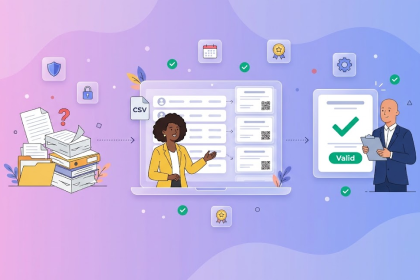
Fire safety training for 300 employees, onboarding for the new sales team, the annual data protection training: in many companies, each of these initiatives ends the same way. Someone exports a participant list, builds PDF certificates by hand, and stores them in a folder that nobody can find at the next audit. Digital certificates for corporate training put an end to this routine, but only if they are cleanly embedded into existing HR processes. In four steps, we show how you can introduce verifiable learning records, scale issuance, and strengthen your employees’ motivation along the way.
Before the first template is created, an honest inventory is worthwhile. Not every internal workshop needs a certificate. For some trainings, however, a reliable record is mandatory or at least a real added value. Typical candidates are:
For each category, record which information the certificate must contain, for example name, date, content, and validity, and who will verify the record later. The HR department looks at different details than an external auditor or a future employer.
This overview results in a lean template concept. Instead of each department maintaining its own templates, you define a few designs in your corporate design and adapt them in the certificate and badge designer via drag and drop. This keeps your digital learning records consistent, and training management keeps the overview.
Automation offers the biggest lever. When an employee completes a training, their certificate should be issued without any manual intermediate step. Virtualbadge.io is built API-first and offers several paths for HR system integration:
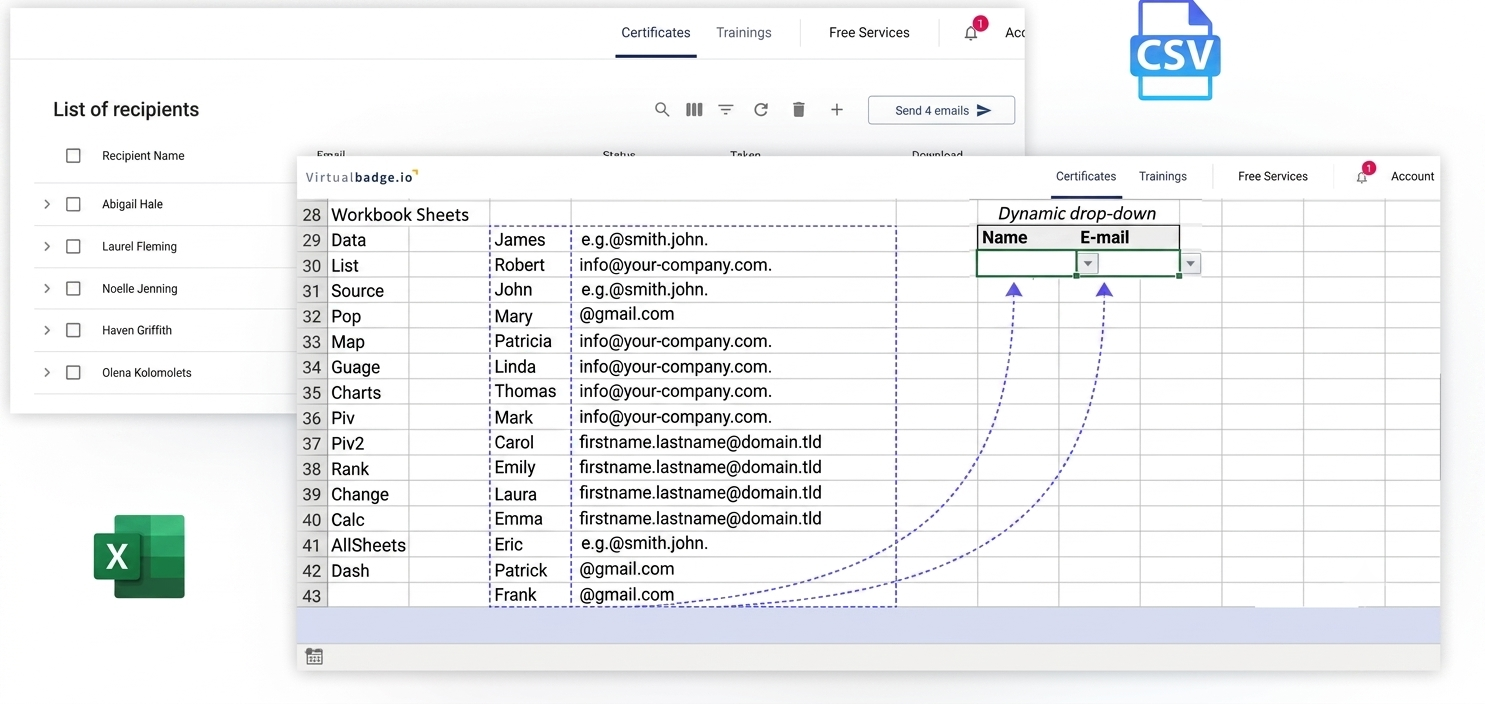
In practice, many companies start with the CSV import. They upload the list, map the columns to the fields in the template, and send hundreds of certificates in a single run. Automation via API or Zapier then follows in the next step.
Data protection is another area where you should create clarity early. Virtualbadge.io stores data on European servers and operates in compliance with GDPR, which makes coordination with data protection officers easier. Every certificate is cryptographically signed and builds on open standards such as Open Badges and the W3C Verifiable Credentials Data Model 2.0, which has been an official W3C Recommendation since May 2025.
What works in a pilot project with one department must also work with multiple locations, business units, or external training partners. Scalable employee training therefore needs a clear structure in administration:
For in-person trainings, the trainer module shows its strength. At the end of the training, participants scan a QR code, enter their data themselves, and receive their certificate after approval. The digital participant list replaces the paper form, and nobody has to type up handwritten names anymore.
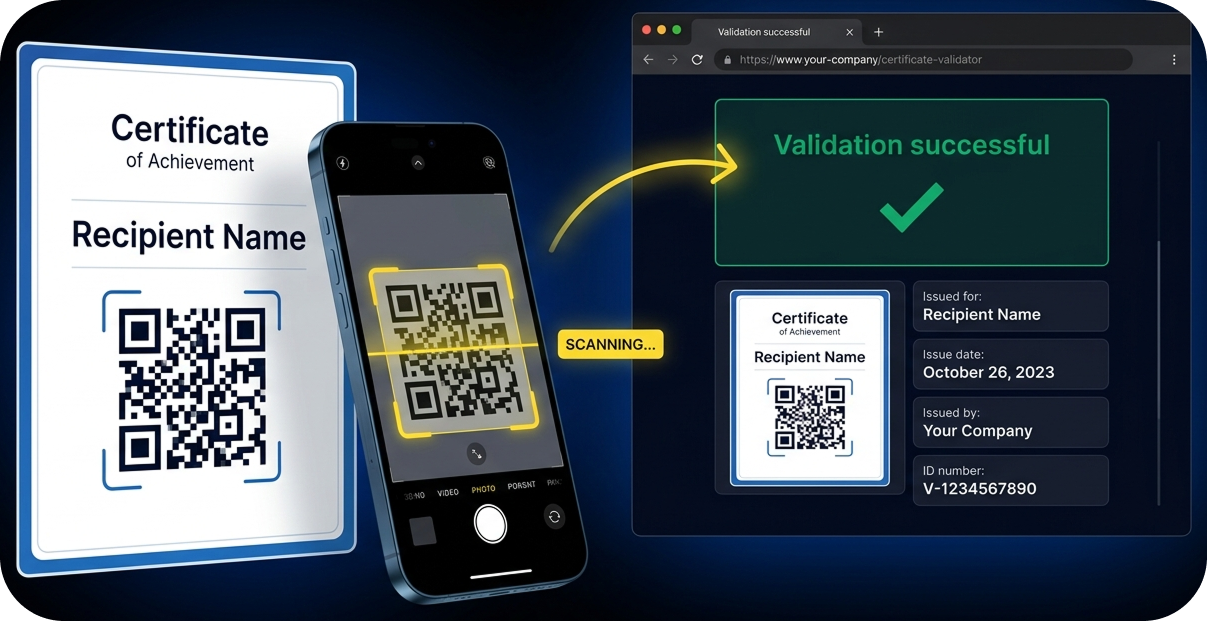
For recipients, everything stays simple. They do not need a user account. They receive an email with a link through which they can download, share, or save their certificate in Apple Wallet and Google Wallet. Anyone who wants to verify authenticity simply uses the QR code and the corresponding validation page.
A record that only sits in the personnel file motivates no one. Motivation in training arises where learning achievements become visible, for the employee themselves, within the team, and externally. Digital certificates offer several starting points for this:
With the AbilityAtlas from Virtualbadge.io, you also make competencies transparent across the entire organization. Employees see what is required for each badge, and awarding takes place either through manual approval or automatically via integrations.
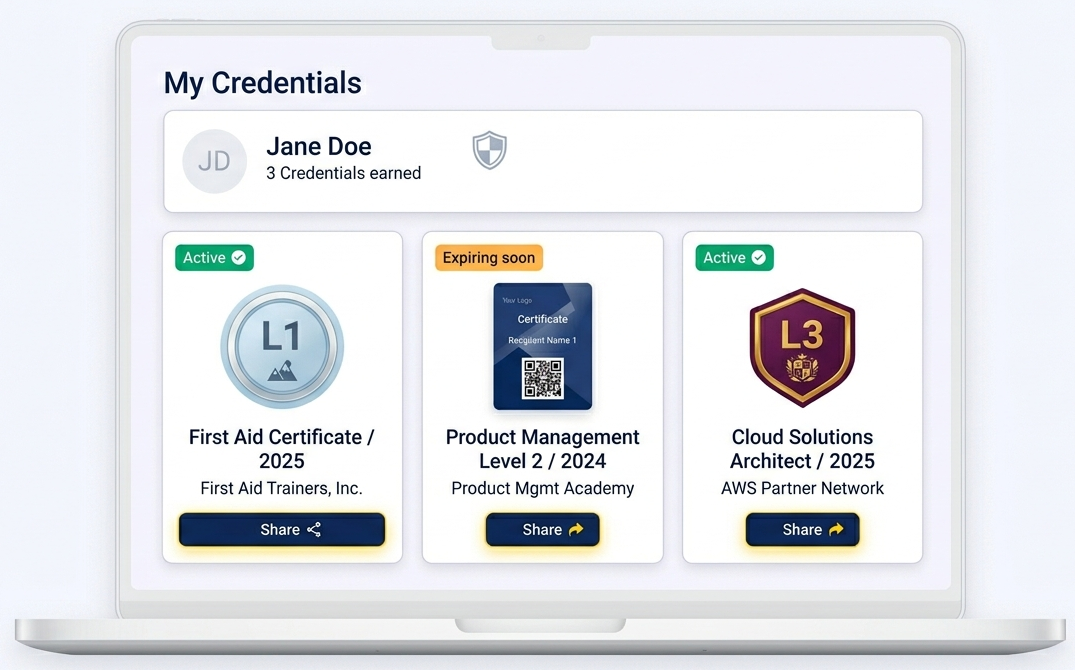
Whether all of this works, you can see in the engagement tracking dashboard. There you can see how many certificates were claimed, downloaded, and on which channels they were shared. 4flow shows what internal skill recognition looks like in everyday practice: the company uses digital badges to make its employees’ skills visible. Read more in the 4flow case study.
Getting started does not require a large project. Pick one type of training, design a matching template, and test issuance via CSV import. Once the process is in place, connect your HR systems and roll out the solution step by step to additional teams and locations.
In a free demo, the Virtualbadge.io team will show you how digital certificates fit into your existing system landscape and which automation brings the most value to your training programs.
* You can find the organisation ID in the URL when you access your LinkedIn Company page as an admin.


Marketing

Oct 21, 2026

5 min
A note on how we write: we use AI tools to help with research and drafting. Every article is then reviewed, edited and fact-checked by someone on the Virtualbadge.io team before it goes live. The final word is always human.

Use Virtualbadge.io to design and send digital certificates that create trust - in less than 10 minutes.
%20(1).svg)