No user accounts required for your recipients -
Start your 7-day free trial now!

Why expiring credentials are one of the most underused tools for sustainable growth in training and education businesses



Most training providers treat course sales as one-time transactions. A learner enrolls, completes the training, receives a certificate, and the relationship ends there. This is a significant missed opportunity, because in many fields, the skills and knowledge covered in a training course don't stay current forever. Regulations change, best practices evolve, and competencies need to be refreshed on a regular basis.
Re-certification programs turn that one-time transaction into a recurring relationship. Instead of constantly chasing new customers, you build a reliable base of returning learners who renew their credentials on a predictable schedule. For first aid providers, compliance training companies, professional development academies, and similar organizations, this model can fundamentally change how stable and scalable the business is.
The challenge is that most providers haven't built the infrastructure to make re-certification work automatically. Credentials are issued as static PDFs with no expiry date, no tracking, and no built-in renewal path, leaving nothing to prompt the learner to come back.
Before you automate anything, the re-certification cycle itself needs to be clearly defined. The key decisions are:
Getting these parameters right from the start makes everything else easier to manage. If your credentials are digital and carry structured metadata, these parameters can be built directly into the credential rather than maintained in a separate spreadsheet.
The biggest operational challenge with re-certification is follow-up. Manually tracking thousands of expiry dates and sending individual reminders is not scalable. This is where digital credentials with built-in expiry functionality make a real difference.
With Virtualbadge.io, you can issue certificates that carry an explicit expiry date embedded in the credential metadata. When a certificate expires, its status changes automatically.
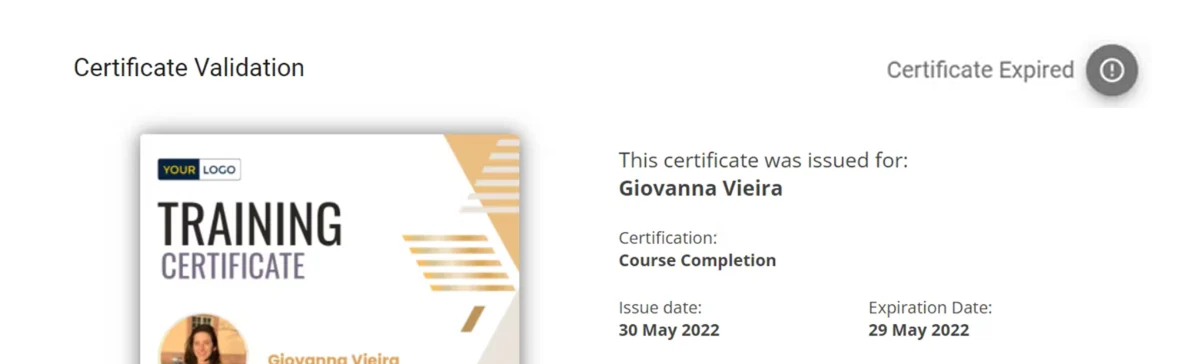
Anyone who verifies the credential, whether an employer, a regulatory body, or the learner themselves, immediately sees that it is no longer valid.
On the provider side, an automated reminder email can be triggered based on each credential's expiry date, so learners receive timely prompts to renew without any manual effort from your team. This creates a renewal funnel that runs in the background while you focus on delivering training.
Providers in high-volume environments, like the CPR Education team, have seen firsthand how digital certificate workflows reduce administrative overhead and keep learners connected to the issuing organization over time.
The renewal moment is not just a transaction, it is a touchpoint. Learners who are about to re-certify are already engaged with your organization and have demonstrated that they value the credential. That makes them the ideal audience for:
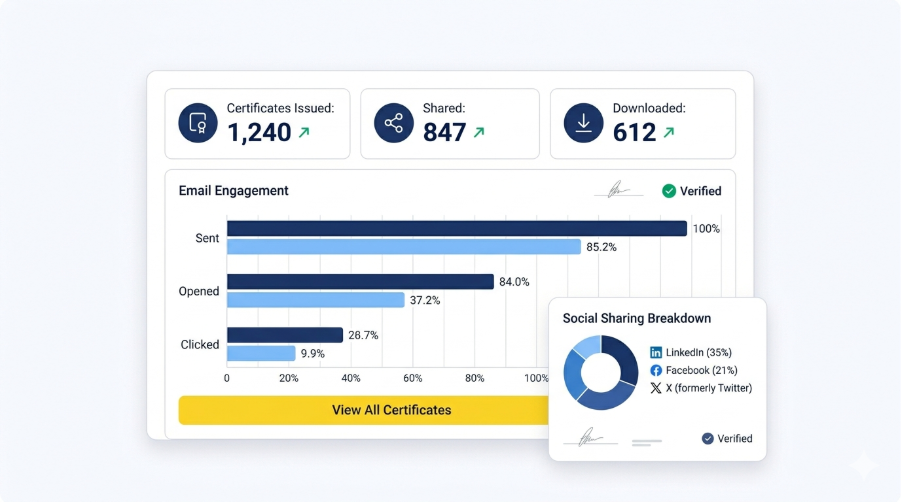
A well-designed re-certification email sequence can introduce these options naturally alongside the renewal prompt. The goal is not to push aggressively but to make it easy for the learner to deepen their engagement at a moment when they are already thinking about their credentials. Over time, this increases the lifetime value of each learner relationship and reduces dependence on constantly acquiring new customers to hit revenue targets.
If you are not yet issuing credentials with expiry dates, that is the natural starting point. Define the validity period for your most important certifications, set up a renewal path, and connect your credential issuance to an automated reminder workflow.
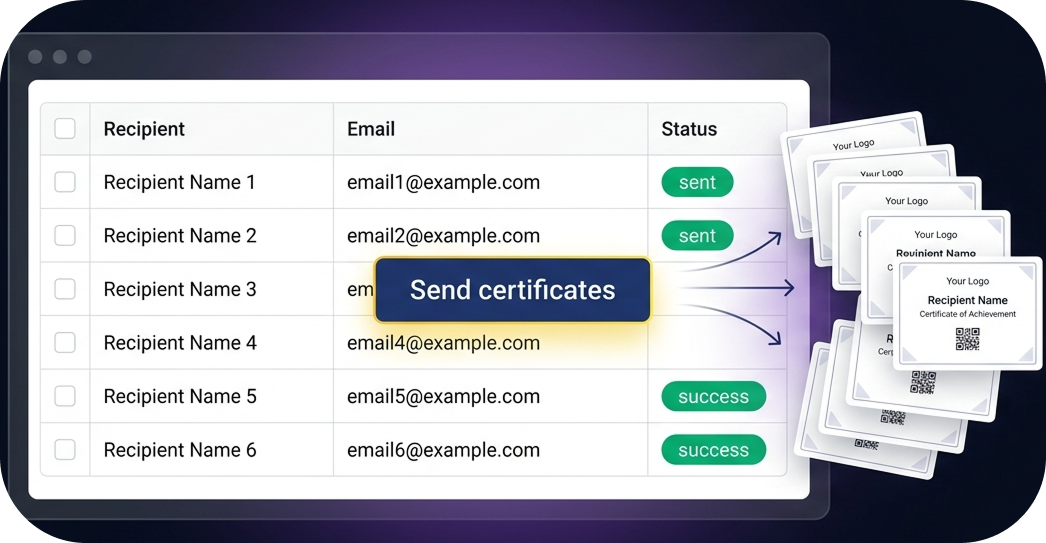
Digital credentials that carry expiry metadata, support public verification, and trigger renewal communications are the infrastructure that makes this model work at scale. Virtualbadge.io is built for exactly this use case, with tools for bulk issuance, expiry management, and customizable certificate templates that match your brand.
Book a free demo and see how you can turn your certifications into a recurring revenue engine.
* You can find the organisation ID in the URL when you access your LinkedIn Company page as an admin.


Marketing

Apr 27, 2026

5 min
A note on how we write: we use AI tools to help with research and drafting. Every article is then reviewed, edited and fact-checked by someone on the Virtualbadge.io team before it goes live. The final word is always human.

Use Virtualbadge.io to design and send digital certificates that create trust - in less than 10 minutes.
%20(1).svg)